

Designing an Onboarding Flow That Drives Revenue, Not Just Engagement
Engagement metrics can hide a weak onboarding. Learn how to design a revenue-focused onboarding flow that improves activation, retention, and trial-to-paid conversion by guiding users to value milestones that correlate with expansion and renewals.
 James M.Revenue Operations Manager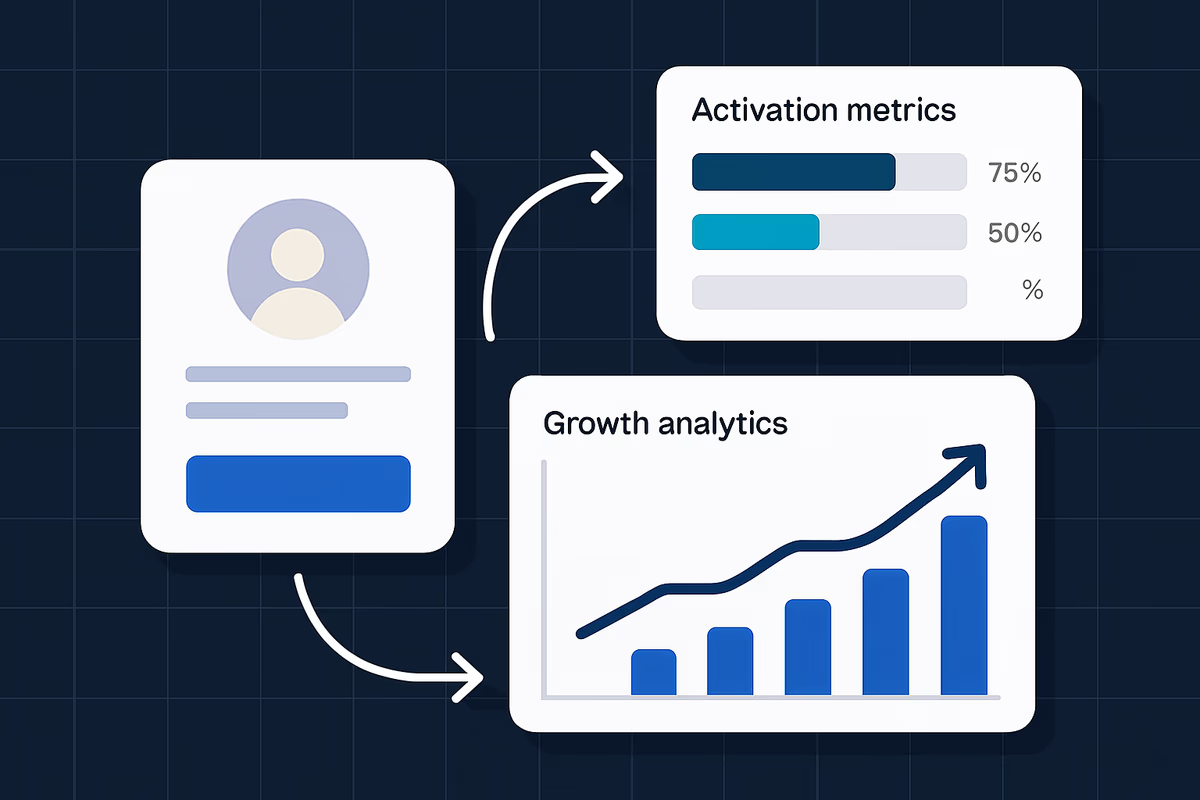
Engagement is easy to measure and easy to inflate. A user can click through a tour, complete a checklist, and rack up “events” without ever reaching the product value that makes them pay.
A revenue-focused onboarding flow is different: it’s designed to move users to the few behaviors that reliably predict conversion, retention, and expansion. This article shows how to structure onboarding so it produces revenue outcomes—not just activity.
Start with the revenue outcome, then work backward
Before you design a single tooltip, define the business outcome onboarding must influence. Typically, it’s one (or more) of these:
- Increase trial-to-paid conversion
- Reduce time-to-value (TTV)
- Improve activation rate (users reaching a meaningful value milestone)
- Increase retention in the first 30–90 days
- Improve expansion readiness (more seats, higher-tier features)
Define “activation” as a value milestone, not a task completion
A common mistake is defining activation as “completed onboarding” or “visited key pages.” That’s engagement, not value.
Instead, define activation as the moment a user experiences the core product benefit. Examples (adapt to your product):
- Collaboration tool: invited 2 teammates and completed 1 shared workflow
- Analytics product: connected a data source and built a dashboard viewed twice
- CRM: imported contacts and logged 5 activities
- Support platform: connected inbox and resolved 3 tickets
Your onboarding flow should be engineered to get users to that milestone quickly and repeatedly.
Map the conversion path: from first session to purchase decision
Revenue-focused onboarding aligns with the conversion funnel. A practical model:
- First session: user understands what to do next
- Setup: user completes only the minimum required configuration
- First value: user gets a tangible outcome (the “aha” moment)
- Habit loop: user repeats value behavior and adopts a second key feature
- Purchase readiness: user hits limits, sees ROI, or needs team-wide use
Identify the 2–3 behaviors that predict paid conversion
Use product analytics or CRM data to find the actions that correlate with conversion. If you don’t have enough data yet, start with a hypothesis and validate it.
A simple approach:
- Pull the last 200–500 converted accounts and 200–500 non-converted accounts
- Compare which events occurred in the first 7 days
- Look for behaviors with a meaningful lift (e.g., converted users are 3x more likely to integrate, invite teammates, or publish something)
These behaviors become your onboarding “value milestones.” Everything else is secondary.
Segment onboarding by job-to-be-done, not persona slides
Most onboarding fails because it’s generic. Users don’t want “a tour of the product.” They want to accomplish a goal.
Choose segmentation inputs you can reliably capture
Avoid long welcome surveys. Use lightweight segmentation that you can confirm behaviorally.
Good segmentation inputs:
- Role (marketer, ops, founder)
- Primary goal (track KPIs, automate workflow, collaborate)
- Company size (solo, 2–10, 11–50, 50+)
- Use case (support, sales, product)
Keep it to one question if possible, and default to a recommended path.
Build 2–4 onboarding paths, not 12
Revenue impact comes from clarity and speed. Start with a small set:
- Path A: fastest to first value for the most common use case
- Path B: integration-heavy path (for technical teams)
- Path C: collaboration path (team-based value)
Each path should lead to the same activation milestone, but via different steps.
Design the flow around “minimum viable setup”
Users don’t churn because onboarding is incomplete; they churn because value takes too long.
Reduce setup to the minimum required to experience value
Audit every onboarding step and ask:
- Does this step directly enable first value?
- Can it be delayed until after first value?
- Can it be automated or pre-filled?
Common setup steps to delay:
- Detailed profile settings
- Advanced permissions
- Non-essential integrations
- Deep customization
If a step is required (like connecting a data source), help users complete it with:
- Clear success criteria (“You’ll know this worked when…”)
- Inline error handling and examples
- A fallback option (sample data, demo workspace)
Use in-app guidance to drive actions, not explain features
In-app guidance should function like a GPS: it routes users to outcomes.
Prioritize action-driven patterns
Use patterns that move users to the next step in the value path:
- Checklists that reflect value milestones (not feature tours)
- Contextual tooltips that appear only when needed
- Interactive walkthroughs that require completing an action
- Empty states that show the next best action with a single CTA
Avoid:
- Long, linear tours that explain everything
- Popups that interrupt without context
- “Congrats” screens that don’t lead to the next action
Tie every step to a measurable milestone
A practical checklist example (for a B2B SaaS with collaboration value):
- Connect your data (setup)
- Create your first project (value step)
- Invite 1 teammate (collaboration trigger)
- Publish/share output (distribution trigger)
Each item should map to an event you can track and a reason it matters.
Bake monetization triggers into onboarding (without being pushy)
Revenue-focused onboarding doesn’t hide pricing until the last day of the trial. It introduces purchase logic at the moment it’s relevant.
Use “limit moments” and “ROI moments” as upgrade prompts
Effective upgrade prompts happen when the user:
- Hits a usage limit (seats, exports, automations, projects)
- Needs a premium feature to complete a workflow
- Sees measurable results (time saved, revenue influenced, tickets resolved)
The prompt should answer:
- What you get by upgrading (specific capability)
- Why it matters right now (blocked outcome)
- How to proceed (upgrade, talk to sales, request trial extension)
Align onboarding milestones with your pricing model
If your pricing is seat-based, onboarding should encourage inviting teammates early (when it improves outcomes).
If your pricing is usage-based, onboarding should help users reach meaningful usage quickly (without overwhelming them).
If your pricing is tiered by features, onboarding should guide users to the feature that differentiates higher tiers once they’ve achieved first value.
Measure onboarding like a revenue funnel
If you measure only completion rates, you’ll optimize for clicks. Measure the steps that predict revenue.
Core onboarding metrics to track
Set up a dashboard with:
- Time-to-value (TTV): median time from signup to activation
- Activation rate: % of users/accounts reaching the activation milestone within X days
- Trial-to-paid conversion: overall and by segment
- Drop-off by step: where users abandon setup or key actions
- Revenue-qualified activation: % of activated users who also reach a monetization trigger (team invite, integration, usage threshold)
Build a simple onboarding score (account-level)
For B2B, account-level scoring is often more predictive than user-level.
Example score components:
- 1 point: completed minimum setup
- 2 points: reached activation milestone
- 1 point: invited teammate
- 1 point: integrated a core tool
- 1 point: hit usage threshold
Use the score to trigger lifecycle messaging (in-app + email) and to route high-intent accounts to sales.
Run onboarding experiments that are tied to conversion
Don’t A/B test copy and colors before you fix the path.
High-impact experiments to start with
- Shorten the path to first value
- Remove one setup step and measure TTV + activation
- Segment the first session
- One-question goal selection vs. generic onboarding
- Change the checklist from tasks to outcomes
- Feature-based checklist vs. milestone-based checklist
- Add a “demo data” fallback
- For users who can’t integrate immediately
- Introduce an upgrade prompt at the limit moment
- Measure upgrade clicks and paid conversion (not just CTR)
What “winning” looks like
A winning onboarding experiment improves at least one of:
- Activation rate (primary)
- TTV (secondary)
- Trial-to-paid conversion (primary)
If engagement increases but activation or conversion doesn’t, treat it as a loss.
A practical blueprint you can implement this month
Use this as a working plan:
Week 1: Define milestones and instrument tracking
- Choose 1 activation milestone tied to value
- Identify 2 supporting milestones that predict conversion
- Ensure events are tracked reliably (including account-level properties)
Week 2: Build segmented paths
- Add one welcome question (role or goal)
- Create 2–3 paths that route users to the same activation milestone
- Write empty-state CTAs that point to the next action
Week 3: Launch in-app guidance focused on actions
- Add a milestone-based checklist
- Add contextual tooltips on the 2–3 highest-friction steps
- Add a fallback path (sample data, template, or guided setup)
Week 4: Add revenue triggers and run one experiment
- Add an upgrade prompt at a natural limit moment
- Run one experiment that reduces steps to first value
- Review results by segment and iterate
Where User Tourly fits in a revenue-focused onboarding flow
To drive revenue, you need onboarding that adapts to user intent and pushes users toward measurable milestones.
With User Tourly, you can:
- Create interactive onboarding experiences (checklists, walkthroughs, tooltips)
- Segment flows based on role, goal, or behavior
- Trigger guidance contextually at friction points
- Measure completion and drop-offs to iterate faster
The key is using these capabilities to drive activation and monetization triggers—not to “show the product.”
Final checklist: does your onboarding drive revenue?
Use this quick audit:
- Is activation defined as a value milestone (not onboarding completion)?
- Can most users reach first value in one session?
- Does onboarding change based on the user’s goal?
- Are you tracking TTV, activation, and trial-to-paid conversion by segment?
- Do upgrade prompts appear when users are blocked or see ROI?
If you can’t answer “yes” to at least four, you’re likely optimizing engagement instead of revenue—and leaving conversions on the table.
FAQ
What’s the difference between engagement-focused onboarding and revenue-focused onboarding?
Engagement-focused onboarding optimizes for activity (tour completion, clicks, page views). Revenue-focused onboarding optimizes for value milestones that predict conversion and retention, like reaching an activation event, inviting teammates, completing a workflow, or hitting a usage threshold.
How do I choose an activation milestone that actually correlates with paid conversion?
Start with data: compare early behaviors of converted vs. non-converted accounts (first 7–14 days) and identify events with the biggest lift. If data is limited, define a hypothesis milestone tied to your core value, instrument it, and validate correlation over the next few cohorts.
How many onboarding steps should a free trial have?
As few as possible before first value. Aim for “minimum viable setup” that enables the user to experience a real outcome quickly, then introduce advanced setup and education after activation when motivation is higher.
Should I use a product tour in onboarding?
Use tours only if they drive an action. A linear tour that explains features usually increases engagement metrics without improving activation. Prefer interactive walkthroughs and contextual guidance that require users to complete the steps that lead to value.
Table of Contents
- Start with the revenue outcome, then work backward
- Define “activation” as a value milestone, not a task completion
- Map the conversion path: from first session to purchase decision
- Identify the 2–3 behaviors that predict paid conversion
- Segment onboarding by job-to-be-done, not persona slides
- Choose segmentation inputs you can reliably capture
- Build 2–4 onboarding paths, not 12
- Design the flow around “minimum viable setup”
- Reduce setup to the minimum required to experience value
- Use in-app guidance to drive actions, not explain features
- Prioritize action-driven patterns
- Tie every step to a measurable milestone
- Bake monetization triggers into onboarding (without being pushy)
- Use “limit moments” and “ROI moments” as upgrade prompts
- Align onboarding milestones with your pricing model
- Measure onboarding like a revenue funnel
- Core onboarding metrics to track
- Build a simple onboarding score (account-level)
- Run onboarding experiments that are tied to conversion
- High-impact experiments to start with
- What “winning” looks like
- A practical blueprint you can implement this month
- Week 1: Define milestones and instrument tracking
- Week 2: Build segmented paths
- Week 3: Launch in-app guidance focused on actions
- Week 4: Add revenue triggers and run one experiment
- Where User Tourly fits in a revenue-focused onboarding flow
- Final checklist: does your onboarding drive revenue?